Patch list view
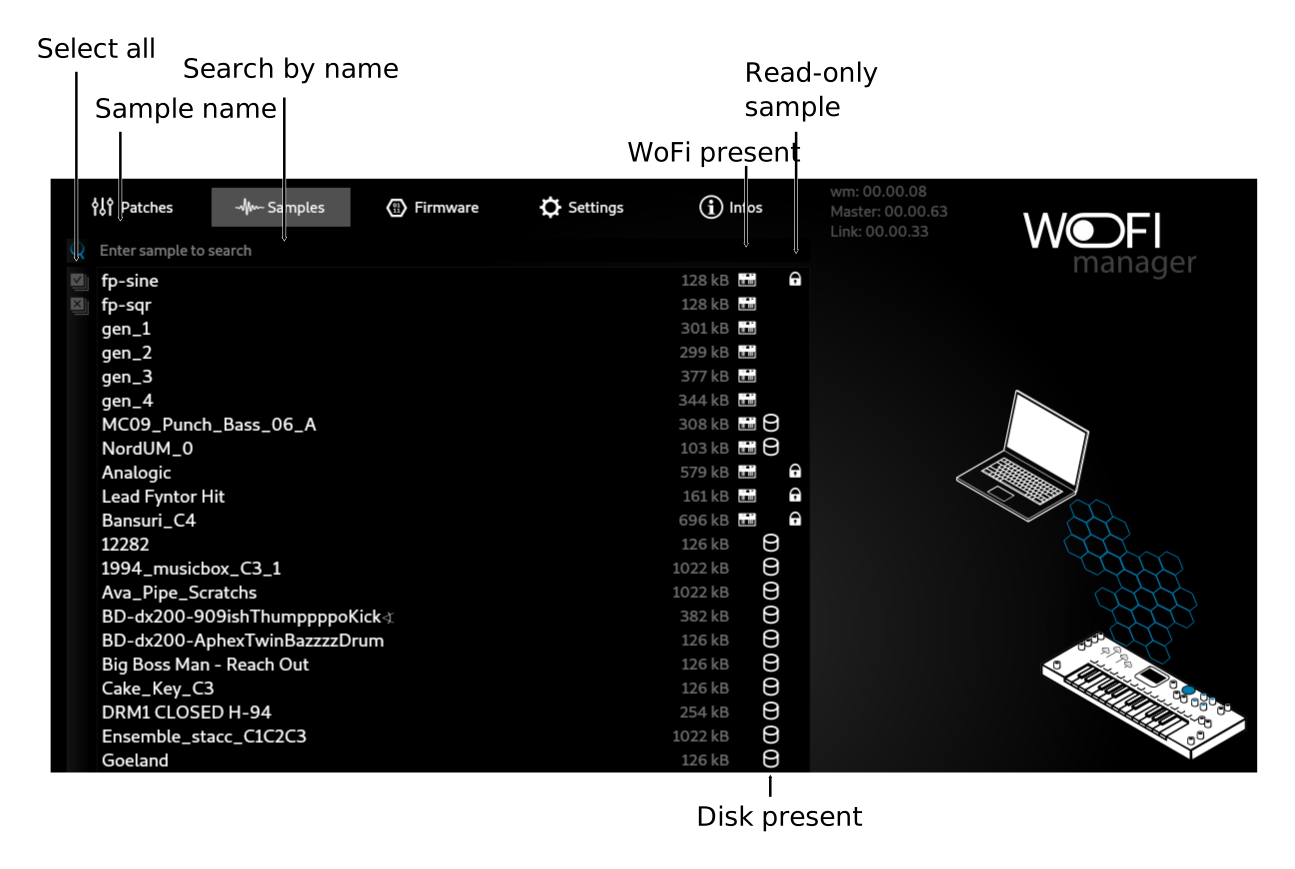
This view shows all the patches present either in the working folder and in the WoFi
The bottom toolbar allow basic patches action:
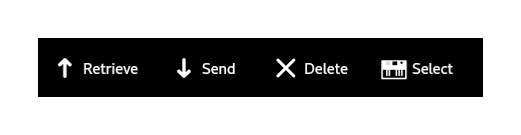
Send a patch to the device
- Select one or more patch present on the disk
- Click on Send
- Wait the end of the progress animation
Retrieve a patch from the device
- Select one or more patch present on the WoFi
- Click on Retrieve
- Wait the end of the progress animation
Delete a patch
- Select one or more patches
-
You will be prompted for confirmation iof the location of the file you want to remove:
-
WoFi
- Disk
- Both
Select a patch
Click on Select to select a patch on your device